

Introduction
When buying a laptop or upgrading your PC, one of the most important decisions you must make is choosing between an SSD (Solid State Drive) and an HDD (Hard Disk Drive).
Your storage choice directly affects:
- Boot speed
- Game loading time
- File transfer speed
- System performance
- Battery life
If you’re confused about SSD vs HDD, this guide will explain everything in simple words so you can choose the right one for your needs.
⭐ What Is an HDD?
A Hard Disk Drive (HDD) is an old type of storage device that uses a spinning magnetic disk to store data.
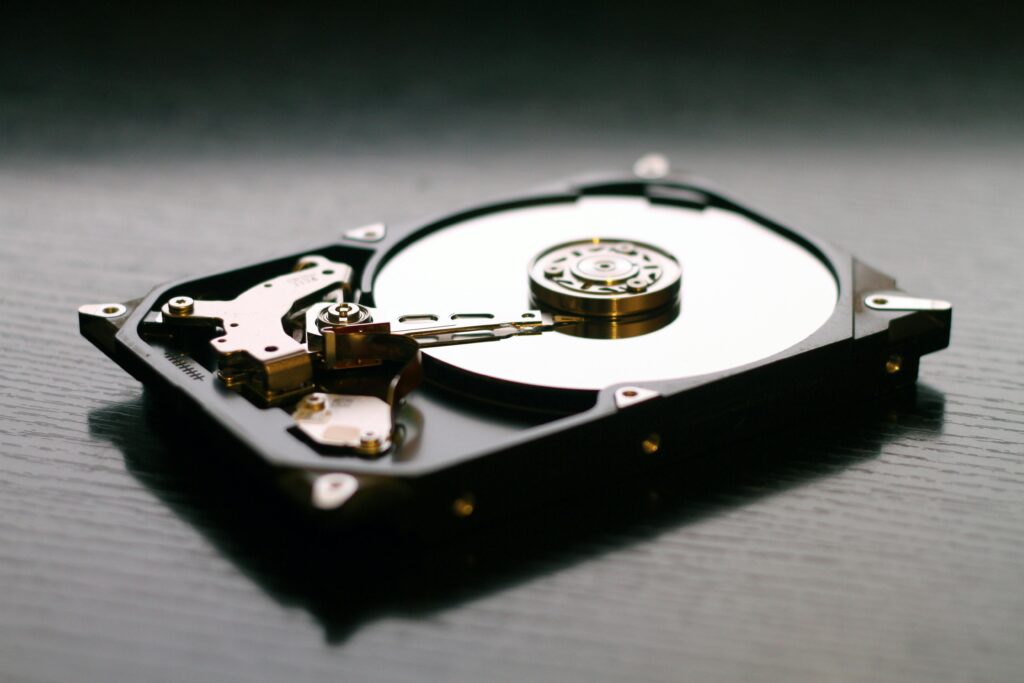
Key points:
- Contains moving mechanical parts
- Slower speed
- Larger storage capacity at low price
- More prone to damage
Typical HDD Speed:
80–120 MB/s (very slow compared to SSD)
⭐ What Is an SSD?
A Solid State Drive (SSD) uses flash memory chips (like smartphone storage) with no moving parts.
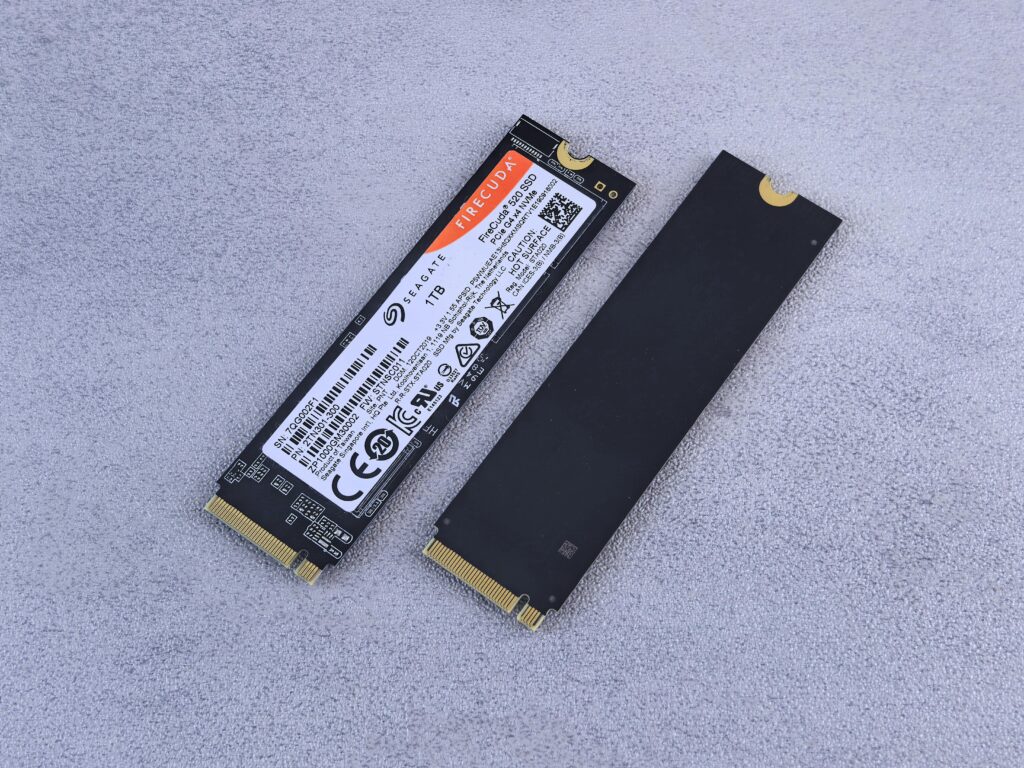
Key points:
- Super-fast performance
- Instant loading times
- Better durability
- Uses less power
- More expensive per GB
Typical SSD Speed:
- SATA SSD: 400–550 MB/s
- NVMe SSD: 1500–7000+ MB/s (extremely fast)
🔥 SSD vs HDD: Quick Comparison
| Feature | SSD | HDD |
|---|---|---|
| Speed | Very Fast | Slow |
| Durability | More durable | Less durable (moving parts) |
| Noise | Silent | Slight noise/vibration |
| Power Usage | Low | High |
| Heat | Low | High |
| Price | More expensive | Cheaper |
| Best For | Performance | Bulk storage |
🚀 1. Performance Comparison
If you switch from HDD to SSD:
- Windows boots in 10–15 seconds instead of 1–2 minutes
- Apps open instantly
- Games load faster
- System becomes smoother overall
Winner: SSD (huge difference)
🔊 2. Noise & Heat
HDDs make noise because they have spinning disks inside.
SSDs are completely silent.
HDDs also generate more heat.
Winner: SSD
💾 3. Storage Capacity
HDDs offer large storage at a cheaper price.
Example prices (2025 India):
- 1TB HDD = ₹2,000–₹3,000
- 1TB SSD (SATA) = ₹4,500–₹6,000
- 1TB SSD (NVMe) = ₹5,500–₹7,500
Winner: HDD (for cheap bulk storage)
🔋 4. Battery Life (for laptops)
SSDs use less power, so:
- Laptop battery lasts longer
- Less heat generation
- Better performance per watt
Winner: SSD
💣 5. Durability
HDDs can fail easily if dropped or shaken (because of moving parts).
SSDs have no moving parts and are shock-proof.
Winner: SSD
🛠 6. Lifespan
Modern SSDs last 5–10 years easily.
Most users will never reach the write limit.
Winner: SSD
🧠 7. Gaming Performance
Games load much faster on SSDs.
Cutscenes, maps, missions — all load quicker.
Winner: SSD (especially NVMe)
📝 So… Which One Should YOU Choose?
It depends on your usage.
⭐ Choose SSD if:
- You want fast performance
- You want fast Windows boot time
- You edit videos or photos
- You play games
- You hate lag
- You use a laptop and want longer battery life
👉 Recommended for almost everyone.
⭐ Choose HDD if:
- You need cheap storage
- You want to store movies, backups, or large files
- You have a tight budget
👉 Best for bulk storage only.
⭐ Best Setup (Recommended): Hybrid Storage
For many users, the best option is:
SSD (for Windows + apps) + HDD (for movies, files)
This gives you both:
✔ Fast performance
✔ Cheap storage
🏆 Final Verdict
If you want your laptop or PC to be fast, smooth, and responsive, an SSD is the clear winner.
HDDs are good only if you need large storage at a low price.
Most modern laptops and PCs in 2025 now use SSDs because the speed difference is massive.
Conclusion
Choosing the right storage can completely change your computing experience.
If your current laptop feels slow, upgrading to an SSD is the best and most impactful upgrade you can make.
Stay tuned to mstknow for more must-know tech guides, laptop tips, and troubleshooting help!
