Laptop Buying Guide for Students (2025 Edition)
Choosing the right laptop is one of the most important decisions for students today. Whether you are in school, college, or university, a laptop is essential for online classes, assignments, projects, research, and even entertainment. This laptop buying guide for students will help you understand exactly what to look for based on your course, budget, and daily usage—without confusing technical jargon.
How to Choose the Right Laptop for Students
Before buying a laptop, students should clearly understand their primary needs. Not every student requires a high-end machine. Some need a laptop mainly for online classes and note-taking, while others may need more power for programming, design, or video editing.
Ask yourself:
- What course am I studying?
- Will I use heavy software or basic applications?
- Do I need portability or performance?
- What is my budget?
Answering these questions will help narrow down the right choice.
Best Laptop Specifications for Students
Understanding basic laptop specifications is key to making a smart purchase. Here are the most important components students should focus on.
Processor Requirements for Student Laptops
The processor (CPU) is the brain of the laptop. It determines how smoothly your system runs.
For students:
- Intel Core i3 / AMD Ryzen 3 – Suitable for school students, online classes, browsing, and documents.
- Intel Core i5 / AMD Ryzen 5 – Ideal for college students, coding, multitasking, and light editing.
- Intel Core i7 / AMD Ryzen 7 – Recommended for engineering, data science, video editing, and advanced tasks.
For most students, an Intel i5 or Ryzen 5 offers the best balance between performance and price.
How Much RAM Is Enough for Students?
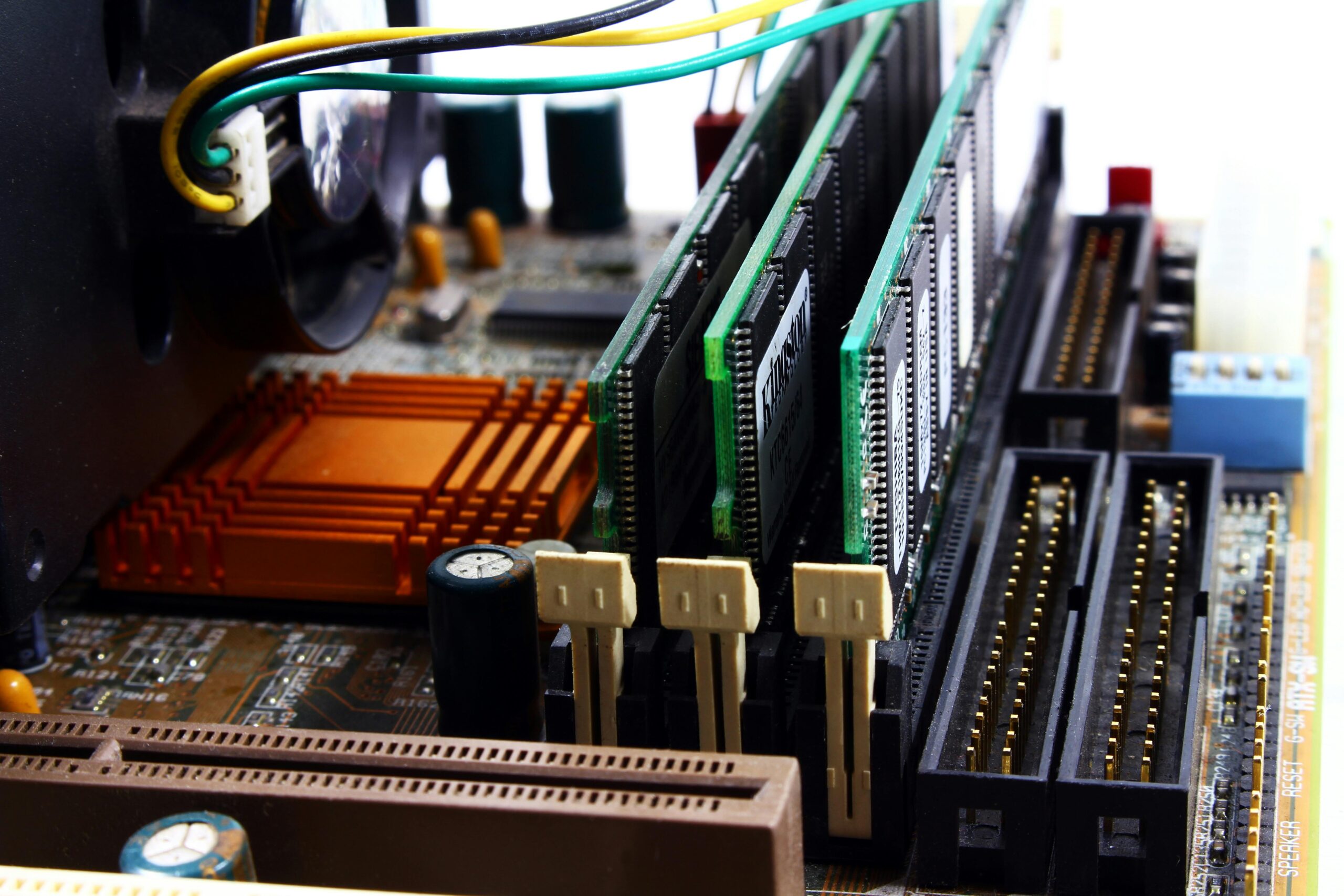
RAM affects multitasking and overall speed.
Recommended RAM:
- 8 GB RAM – Minimum and ideal for most students.
- 16 GB RAM – Best for programming, design, and video editing students.
- 4 GB RAM – Not recommended in 2025.
Tip: Choose a laptop with upgradable RAM if possible.
SSD vs HDD – What Students Should Choose
Storage type plays a major role in laptop performance.
- SSD (Solid State Drive)
Faster boot time, quicker app loading, better overall performance. - HDD (Hard Disk Drive)
Slower but cheaper, mostly outdated.
Best choice for students:
- At least 256 GB SSD
- If budget allows, go for 512 GB SSD
An SSD makes even a budget laptop feel fast and responsive.
Best Laptop Display Size for Students
The display affects comfort during long study sessions.
Recommended options:
- 13–14 inch – Lightweight and portable (great for travel).
- 15.6 inch – Comfortable for multitasking and content viewing.
Also consider:
- Full HD (1920×1080) resolution
- Anti-glare screen to reduce eye strain
Battery Life Considerations for Students
Students often attend long classes or study away from charging points.
Look for:
- Minimum 6–8 hours battery life
- Efficient processors for longer backup
A good battery ensures uninterrupted learning throughout the day.
Best Operating System for Students
The operating system depends on personal preference and course requirements.
- Windows – Best overall compatibility, ideal for most students.
- macOS – Great for design, media, and Apple ecosystem users.
- Chrome OS – Suitable only for basic tasks and online usage.
For most students, Windows laptops offer the best value and flexibility.
Budget-Based Laptop Recommendations for Students
Laptop for School and College Students
- Intel i3 / Ryzen 3
- 8 GB RAM
- 256 GB SSD
- 14–15.6 inch display
Laptop for Engineering and Coding Students
- Intel i5 / Ryzen 5
- 16 GB RAM (preferred)
- 512 GB SSD
- Good keyboard and cooling
Laptop for Design and Media Students
- Intel i7 / Ryzen 7
- Dedicated graphics (optional but helpful)
- High-quality display
- 16 GB RAM
Common Laptop Buying Mistakes Students Should Avoid
Many students make mistakes that affect long-term usability.
Avoid these:
- Buying 4 GB RAM laptops
- Choosing HDD-only storage
- Ignoring battery life
- Overpaying for features you don’t need
- Buying without checking upgrade options
Making informed decisions saves money and frustration later.
What Is the Best Laptop for Students?
The best laptop for students is one that offers:
- A fast processor (i5 / Ryzen 5)
- Minimum 8 GB RAM
- SSD storage
- Good battery life
- Reliable build quality
There is no single “perfect” laptop for everyone, but the right choice depends on your academic needs.
Final Thoughts
Buying a laptop is an investment in your education and future. By understanding specifications, setting a clear budget, and choosing based on real needs, students can find a laptop that lasts throughout their academic journey.
This laptop buying guide for students is designed to simplify your decision and help you avoid common mistakes.
👉 For more practical tech guides, troubleshooting tips, and honest reviews, visit mstknow.com regularly.